How to Beat Amazon’s Dynamic Pricing: A Tech Guide to Snagging Lightning Deals Before They Sell Out
Updated 2026-07-07 11:13:11
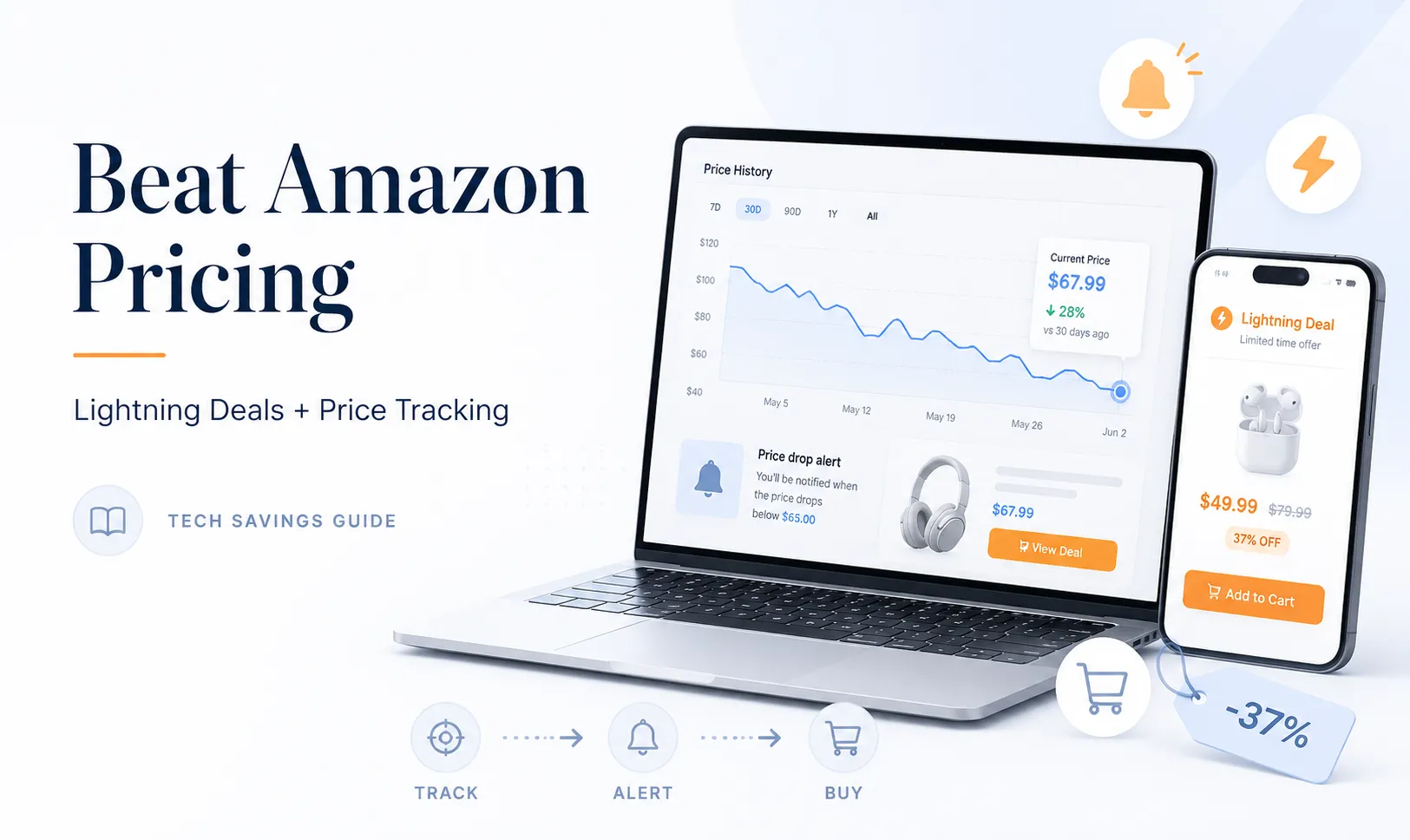
Amazon changes its product prices millions of times every single day. Their sophisticated artificial intelligence algorithms automatically shift prices based on supply, demand, competitor pricing, and even your own browsing history. This means that the laptop, headphones, or espresso machine you are looking at right now could be $30 cheaper or $50 more expensive tomorrow.
If you want to stop guessing and start buying at the absolute lowest historical price, you need to use tech tools to beat Amazon at its own game. Here is a technical look at how to track price drops and guarantee a spot on exclusive Lightning Deals.
1. Harness the Power of CamelCamelCamel and Keepa
You should never buy a high-ticket item on Amazon without checking its price history first. Two free external tracking tools make this incredibly easy: CamelCamelCamel and Keepa.
These platforms act as historical price databases for almost every product listed on Amazon.
-
How to use them: Copy the Amazon URL of the item you want to buy and paste it into CamelCamelCamel. The tool will generate a line chart showing the product's exact price fluctuations over the last year.
-
The Strategy: If the chart shows that a pair of headphones routinely drops to $99 during seasonal holiday sales but is currently listed at $149, you know you are looking at an artificial price hike. You can set a free "Price Drop Alert" on the site. The moment the item drops back down to your desired price point, you will receive an instant email or browser notification.
2. The Science of Securing Limited-Time Lightning Deals
Amazon’s Lightning Deals are heavily discounted items that are only available for a few hours—or until the promotional inventory runs out. For highly coveted electronics or trending tech items, these deals can 100% sell out within thirty seconds of going live. To secure them, you need a precise strategy:
-
The "Watch this Deal" Feature: Open the Amazon app, head to the "Today’s Deals" section, and filter by "Upcoming." Find the items scheduled to go live later in the day and click "Watch this Deal." Amazon will send a push notification to your phone exactly five minutes before the sale goes live.
-
The Desktop Advantage: While mobile shopping is convenient, checking out on a desktop computer is fractions of a second faster. When a highly competitive deal goes live, refresh your desktop browser page, click "Add to Cart" instantly, and proceed to checkout immediately.
3. Leveraging the "Lightning Deal Waitlist"
What happens if you arrive late and a Lightning Deal says "100% Claimed"? Do not give up just yet. Click the "Join Waitlist" button immediately.
Many shoppers add a Lightning Deal to their cart out of pure impulse, but Amazon only gives them exactly 15 minutes to finalize the purchase. If those 15 minutes expire and they haven't checked out, the item is automatically removed from their cart and awarded to the next person on the waitlist. Keep your Amazon window open and your notifications on; if you are high up on the waitlist, you will get a 2-minute window to claim the discount for yourself.