The Automated Stack: The Essential Browser Extensions Every Smart Online Shopper Needs
Updated 2026-07-07 12:09:46
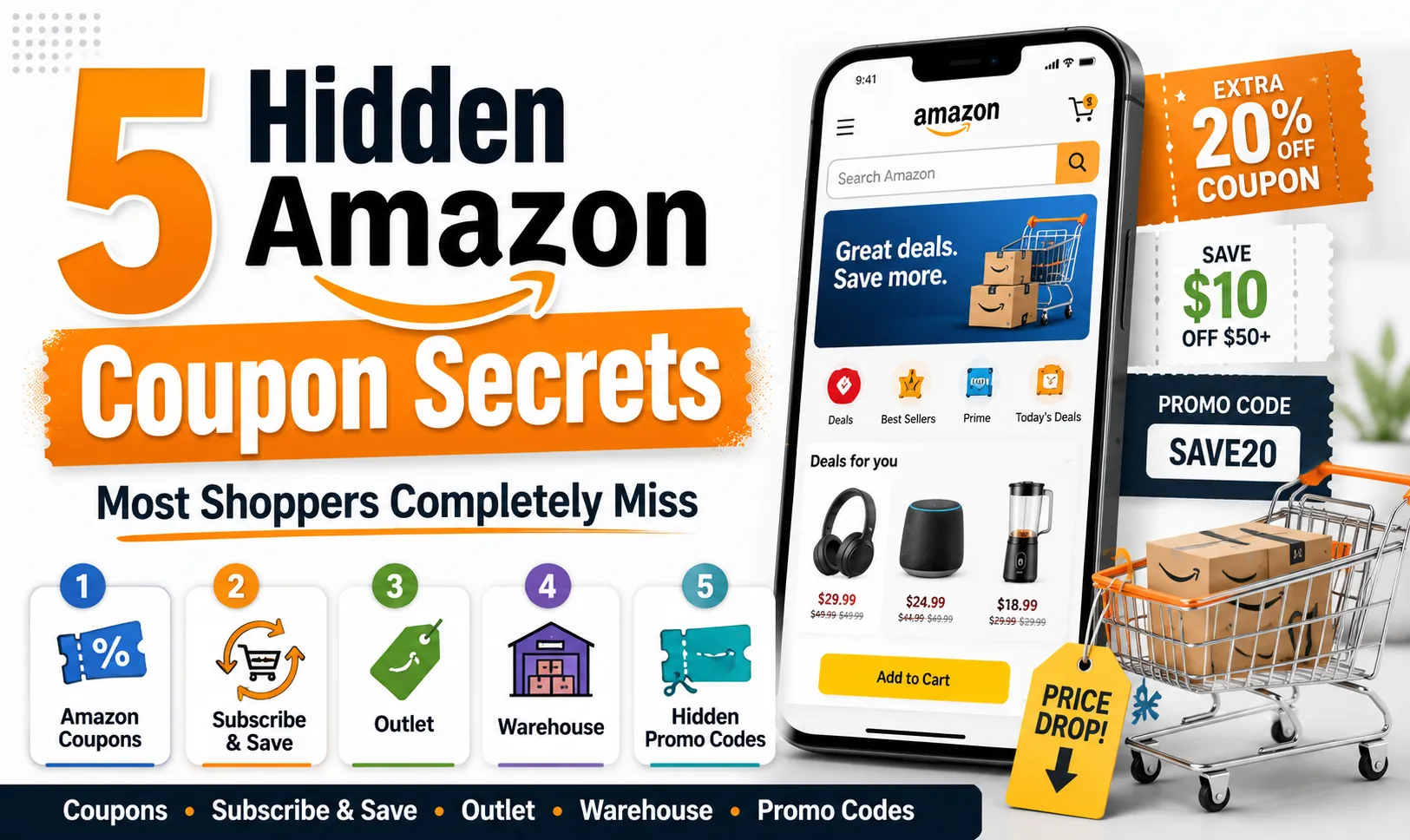
Many people miss out on online coupon codes simply because they forget to look for them. You build a shopping cart, get tired, click checkout, and pay full price because hunting across sketchy coupon forums feels like a waste of time.
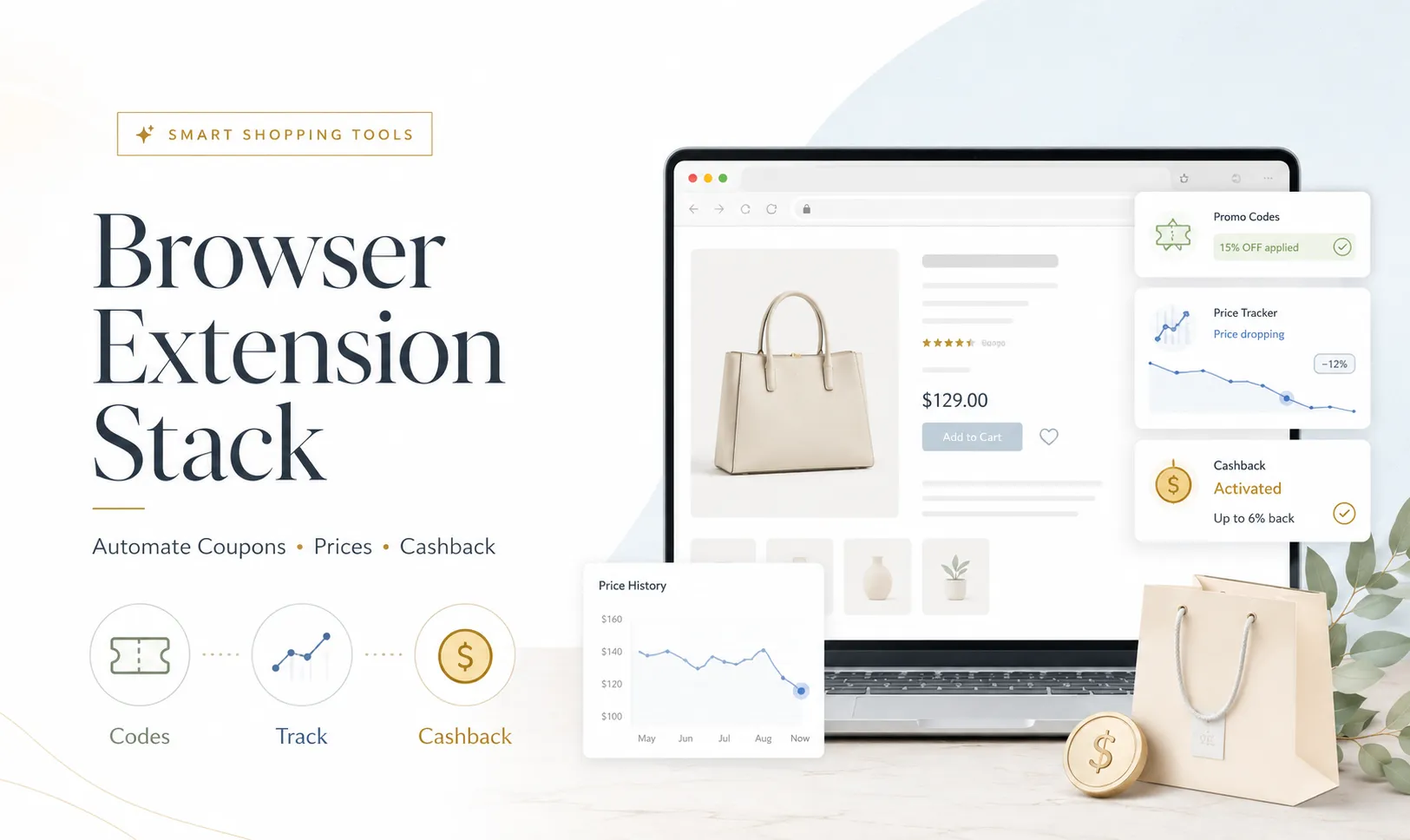
Fortunately, you don't have to do the legwork manually anymore. By installing a few lightweight, automated browser extensions, you can turn your laptop into a passive savings engine that automatically hunts down promo codes, tracks price drops, and calculates cashback percentages in milliseconds. Here are the essential extensions you need to install today.💰
1. The Automated Code Testers (Honey & Capital One Shopping)
Instead of copying and pasting ten different broken promo codes into a checkout box hoping one works, extensions like Honey and Capital One Shopping handle the entire process in one click.
-
How they work: When you reach the checkout screen of an online store, the extension pops up and reads the site's URL. It searches its massive user database for every live promo code associated with that store, runs an automated script to test every single combination in the background, and applies the code that shaves off the absolute most money—all in about three seconds.
2. The Price Protection Layer (Keepa & CamelCamelCamel)
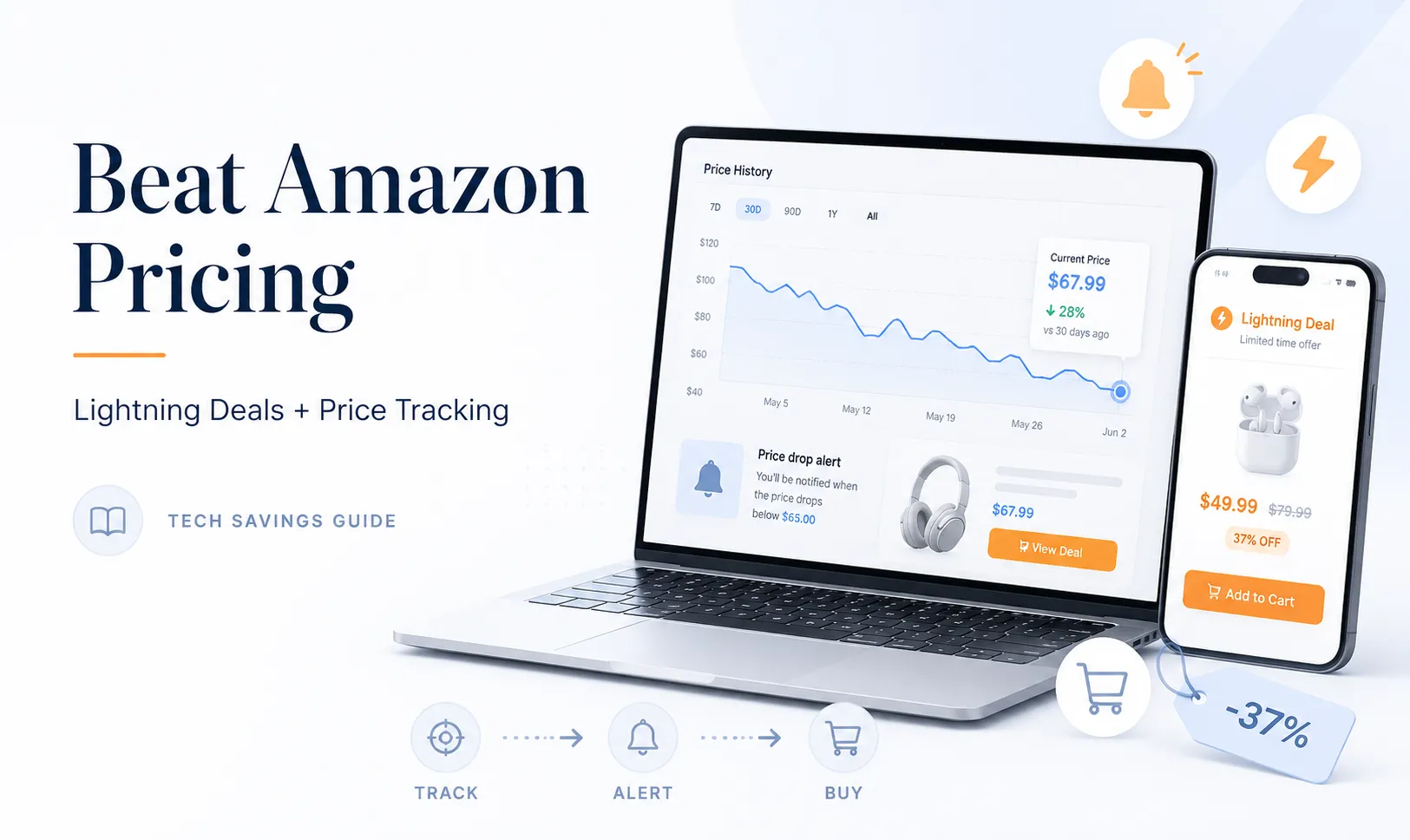
As we’ve discussed in previous guides, e-commerce giants use dynamic pricing algorithms to alter prices based on your behavior. Having an extension like Keepa active while you browse Amazon ensures you never get tricked by an artificial price hike. The extension embeds a live, interactive price history graph directly underneath the product image on the store page, allowing you to instantly verify if today's price is a genuine deal or a temporary peak.
3. Maximizing the "Cashback Activate" Prompt
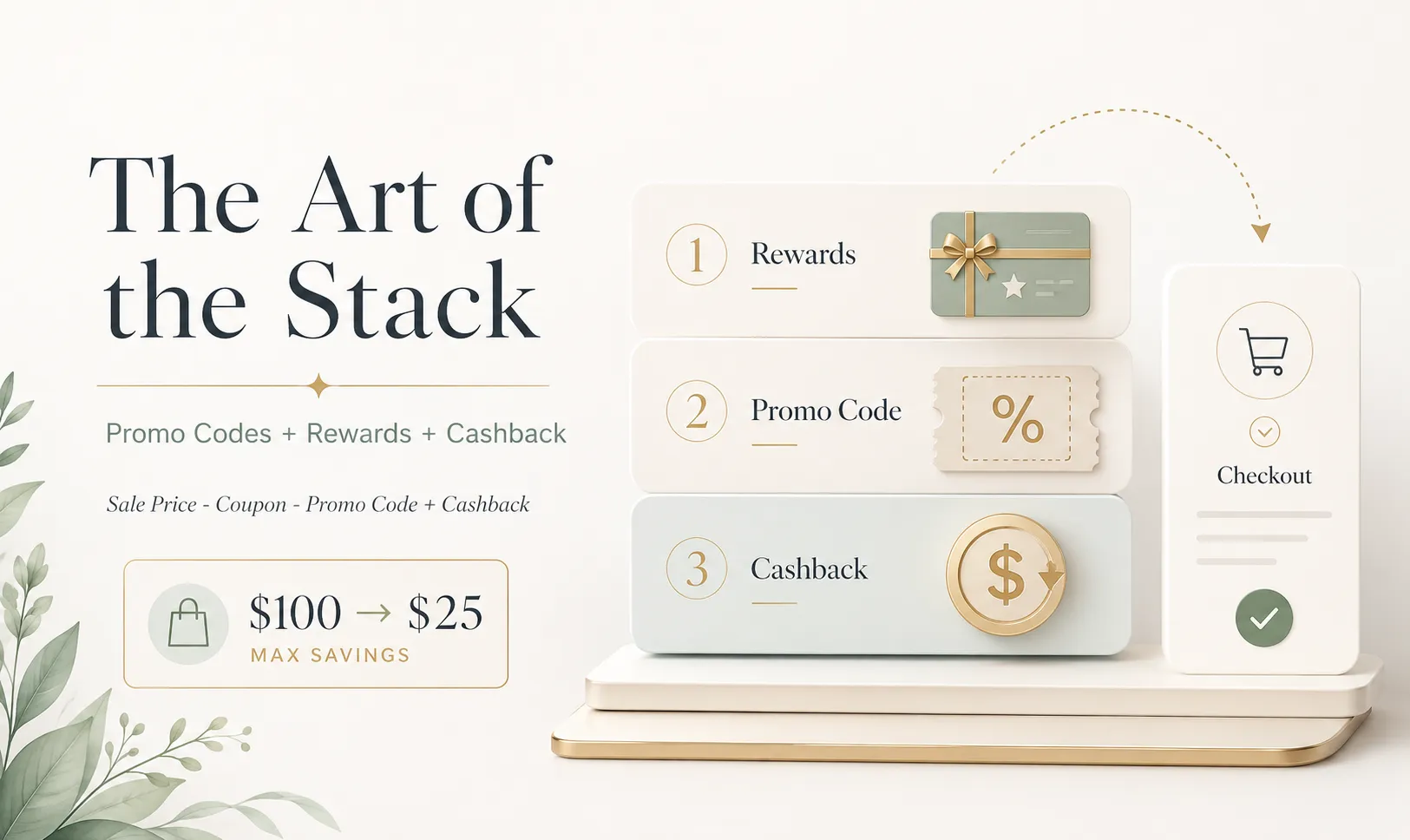
Extensions like Rakuten or TopCashback ensure you never miss out on free money. Instead of forcing you to remember to visit their homepage before you shop, these extensions glow bright flashing red the moment you land on a partner retail site. You simply click a single button labeled "Activate 6% Cashback," and the extension routes your tracking token automatically. The cash accumulates silently in the background and is paid out via check or PayPal quarterly.